

Creating a Signature in Microsoft Outlook
Last updated: Aug 27, 2026
2429
views

Microsoft allows you to create a signature to be included with all emails.
Outlook App:
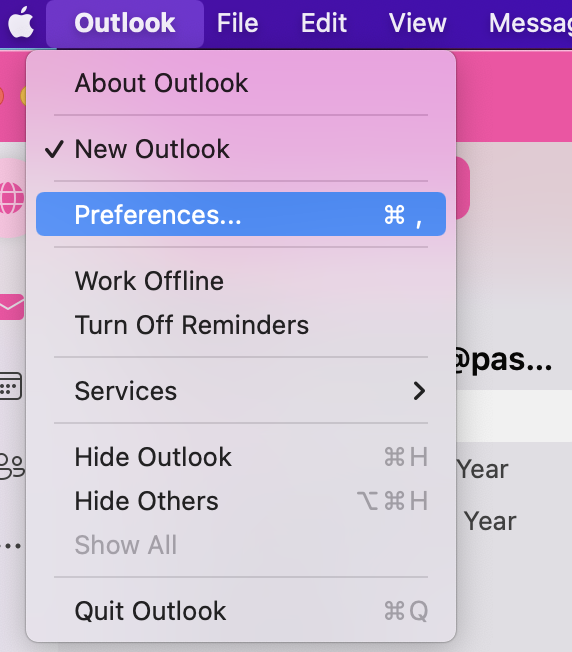
Choose “Preferences” or "Settings" > “Signatures”:

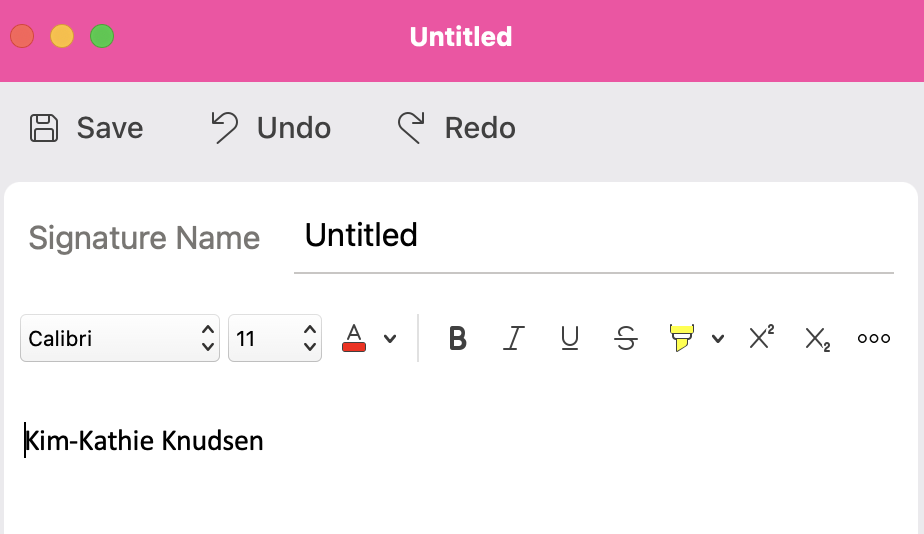
Click the “+” icon to add a new signature. Create your signature and click “Save”

Outlook Webmail:
-
Click on the gear icon located on the top right of your menu bar:

-
Choose “Account” >“Signatures” > "+ Add Signature". Create your signature.


